




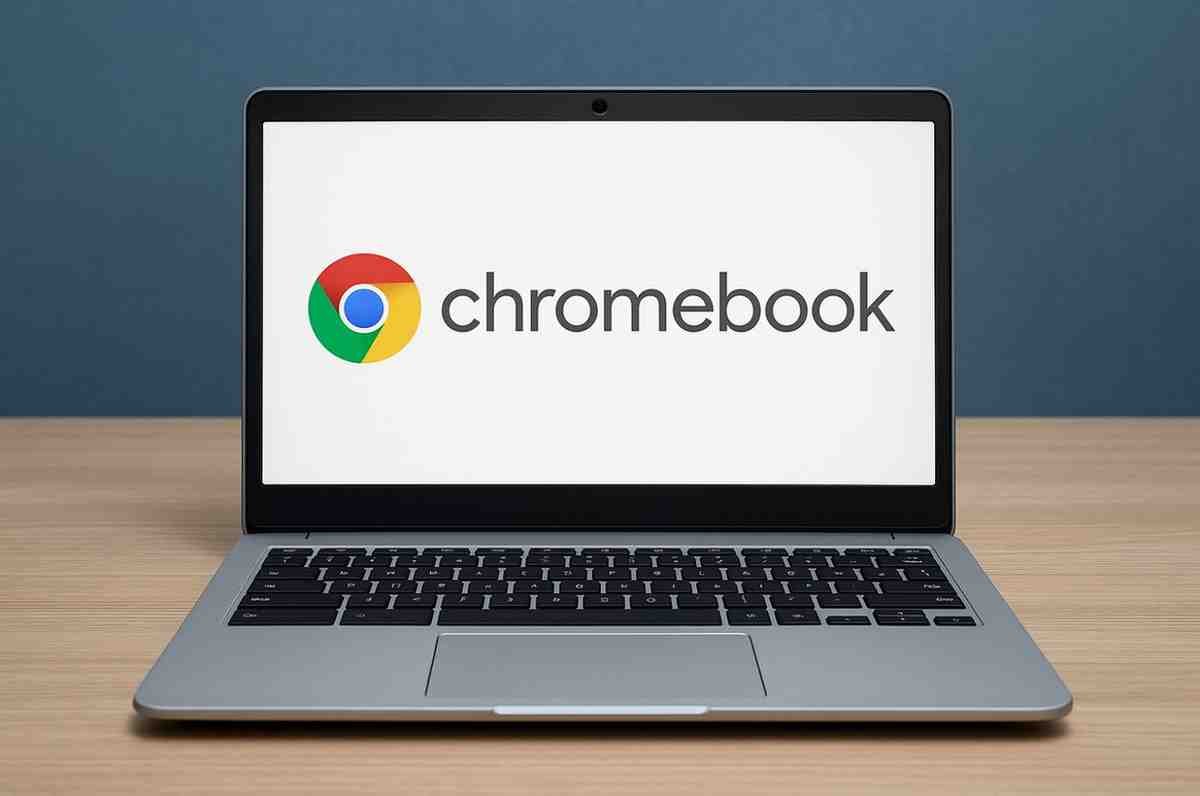
Description
Chromebooks have steadily evolved from budget-friendly laptops for students into versatile, cloud-powered machines suitable for work, entertainment, and productivity. Manufactured by brands like Lenovo, HP, Acer, ASUS, Samsung, and Google, Chromebooks run on ChromeOS, a lightweight operating system optimized for speed, simplicity, and security.
This in-depth review explores Chromebooks from every angle—performance, user experience, build quality, battery life, apps, productivity, gaming capabilities, and long-term value—to help you decide if a Chromebook is the right device for your needs.
⭐ What Are Chromebooks?
A Chromebook is a laptop running ChromeOS, designed primarily for cloud-based computing. Instead of relying heavily on traditional desktop software, Chromebooks use:
-
Web apps
-
Android apps via Google Play Store
-
Linux apps (on supported models)
They offer a clean and simple computing experience, emphasizing speed, security, and lightweight operation.
⭐ Who Are Chromebooks For?
| User Group | Why a Chromebook Works |
|---|---|
| Students | Low cost, long battery life, simple UI |
| Teachers/Schools | Classroom management & cloud integration |
| Remote workers | Multi-user support, strong security |
| Content consumers | Perfect for browsing, YouTube, OTT streaming |
| Light productivity users | Docs, Sheets, emails, meetings |
| Travelers/Digital nomads | Lightweight, long battery life |
⭐ In-Depth Chromebook Review
🔹 1. Design & Build Quality – 4/5
Chromebooks come in various designs—from ultra-budget polycarbonate builds to premium aluminum unibody devices like Google Pixelbook or Acer Spin 713.
What to Expect:
-
Lightweight design (1–1.5 kg)
-
Slim bezels in modern models
-
Options like 2-in-1 convertible touchscreens
-
Military-grade durability on some education models
Verdict:
Build quality varies by price, but overall Chromebooks strike a good balance between durability and portability.
🔹 2. Performance & Speed – 4/5
ChromeOS is extremely lightweight, meaning even low-powered processors run smoothly.
Common Processors:
-
Intel Celeron / Pentium (entry-level)
-
MediaTek / ARM processors (mid-range)
-
Intel Core i3 / i5 / i7 (premium)
-
AMD Ryzen Chromebook processors
Real-World Performance:
-
Boots in under 10 seconds
-
Smooth browsing with 8–20 tabs
-
Fast resume from sleep
-
Excellent for Google Workspace, Zoom, and Android apps
Not Suitable For:
Heavy video editing, 3D rendering, AAA gaming, or software that requires Windows/Mac ecosystems.
🔹 3. Operating System – ChromeOS Experience – 5/5
ChromeOS is the heart of the Chromebook experience.
Key Strengths:
-
Extremely secure (sandboxing, verified boot)
-
Free automatic updates up to 8–10 years
-
Virus-free environment
-
Simple and clean UI
-
Cloud-first architecture
App Ecosystem:
-
Google Play Store (Android apps)
-
Chrome Web Store (extensions)
-
Linux apps (for programming, development, and advanced tools)
ChromeOS balances simplicity with surprising versatility.
🔹 4. Display Quality – 3.5/5
Displays range from basic 720p panels on budget models to stunning 2K/Touch/IPS screens on mid to premium Chromebooks.
Typical Display Features:
-
Brightness: 200–400 nits
-
Resolution: 720p → Full HD → 2K
-
Touch and convertible options
-
Anti-glare coatings
Verdict:
Mid-range and premium Chromebooks deliver excellent visuals, but budget models can be underwhelming.
🔹 5. Battery Life – 5/5
Battery performance is one of the biggest strengths.
Average Battery Life by Segment:
-
Budget models: 8–10 hours
-
Mid-range models: 10–12 hours
-
Premium Chromebooks: 12–15 hours
ChromeOS’s efficiency and ARM processors contribute to exceptional endurance.
🔹 6. Storage & Cloud Integration – 4/5
Chromebooks typically include 32GB–256GB SSD/eMMC storage. Since most tasks are cloud-based, storage requirements are lower than Windows or Mac laptops.
Cloud Options:
-
Google Drive integration
-
File sync across devices
-
Offline support for Docs, Gmail, YouTube, and Android apps
Verdict:
Perfect for cloud users; limited for people who need large local storage.
🔹 7. Audio, Webcam & Connectivity – 4/5
Audio:
Speakers are often loud and clear, especially in models from Lenovo and Acer.
Webcam:
Most Chromebooks feature 720p webcams, good enough for Google Meet and Zoom.
Connectivity:
-
Wi-Fi 5/6
-
Bluetooth 4.2–5.2
-
USB-A / USB-C ports
-
MicroSD support in many models
-
Some premium versions offer USI stylus support
🔹 8. Android & Linux App Performance – 4/5
Android Apps:
Run smoothly on ARM and Intel models.
Great for:
-
Productivity apps
-
OTT streaming
-
Light games
-
Note-taking apps
Linux Apps:
Enable programming tools like:
-
VS Code
-
Git
-
Python
-
Android Studio
This makes Chromebooks unexpectedly powerful for developers.
🔹 9. Gaming Performance – 3/5
Chromebooks are not gaming machines, but:
Works Well:
-
Play Store games
-
Cloud gaming platforms: GeForce NOW / Xbox Cloud
-
Retro emulators
Doesn’t Work:
-
AAA offline PC games
-
Steam (only on select models via Beta)
🔹 10. Security – 5/5
Chromebooks are one of the most secure consumer laptops.
Security Strengths:
-
Sandboxed applications
-
Secure boot
-
Automatic background updates
-
No traditional viruses
-
Data encryption by default
Ideal for students, seniors, and professionals who want worry-free computing.
💰 Pricing & Value for Money
| Category | Price Range | Ideal For |
|---|---|---|
| Budget Chromebooks | ₹18,000–₹30,000 | Students, basic browsing |
| Mid-range Chromebooks | ₹30,000–₹55,000 | Professionals, travelers, classrooms |
| Premium Chromebooks | ₹60,000–₹1,20,000 | Creators, developers, business users |
Best Value:
Mid-range Chromebooks offer the perfect performance-to-price ratio.
🟢 Pros of Chromebooks
-
Fast boot and smooth performance
-
Affordable pricing
-
Extremely secure
-
Long battery life
-
Lightweight and travel-friendly
-
Access to Android + Linux apps
-
Automatic updates
-
Cloud-first productivity
🔴 Cons of Chromebooks
-
Limited offline software
-
Not suitable for heavy editing or AAA gaming
-
Budget models may have weak displays
-
Requires a stable internet connection for full functionality
⭐ Are Chromebooks Worth Buying?
Yes — Chromebooks are fantastic devices for anyone who wants a fast, secure, budget-friendly, and easy-to-use laptop. They shine in education, cloud-based work, and daily internet usage. Their long battery life and simple UI make them ideal for students, professionals, and families.
However, if your work depends on heavy Windows/Mac software, offline applications, or high-end gaming, a Chromebook may not be the right fit.
📝 Who Should Buy a Chromebook?
✔ Students
✔ Teachers and educational institutions
✔ Remote workers
✔ Frequent travelers
✔ Content consumers (YouTube, Netflix, browsing)
✔ Writers, bloggers, and lightweight productivity users



Reviews
There are no reviews yet.