




Description
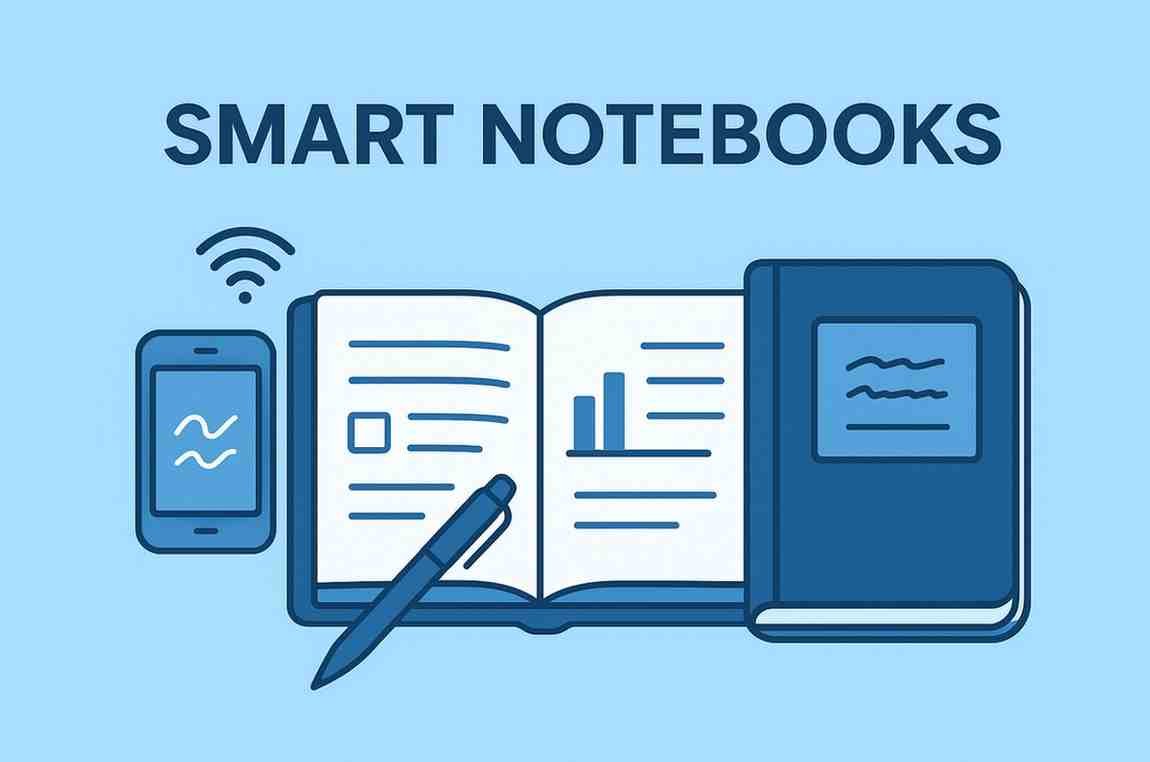
In a digital-first world where smartphones and laptops dominate productivity, Smart Notebooks offer a refreshing blend of traditional handwriting and modern cloud technology. They allow users to write naturally with pen and paper while still capturing, syncing, and storing notes digitally. From reusable pages to instant cloud uploads and handwriting recognition, smart notebooks have become an essential tool for students, writers, entrepreneurs, and anyone who loves handwritten notes but wants digital convenience.
This in-depth review explores what smart notebooks are, how they work, their key features, top brands, pros, cons, pricing, and whether they are worth buying.
⭐ What Are Smart Notebooks?
Smart notebooks are advanced, tech-enhanced notebooks designed to digitize handwritten notes. They preserve the natural writing experience of physical notebooks while integrating with apps and cloud storage platforms such as:
-
Google Drive
-
Evernote
-
OneNote
-
Dropbox
-
iCloud
-
Notion (via OCR apps)
Depending on the model, smart notebooks may offer:
-
Reusable pages
-
App-based scanning
-
Handwriting-to-text conversion
-
Cloud syncing
-
Smart pens for digital writing capture
They bridge the gap between analog note-taking and digital productivity.
⭐ Types of Smart Notebooks
Smart notebooks come in three main types:
1. Reusable Smart Notebooks
Brands like Rocketbook offer:
-
Erasable pages
-
Reusable for years
-
Pens like Pilot Frixion
-
App-based scanning & cloud uploading
Pages wipe clean with a cloth or using heat.
2. Smart Notebooks with Scanning Apps
These notebooks (Moleskine Smart, Wacom Bamboo Slate) pair with a smart pen or digital scanner to convert handwritten notes into digital files.
3. Smart Pen + Paper Systems
Systems like Livescribe use smart pens that track strokes in real time and upload notes as you write.
⭐ Key Features of Smart Notebooks
1. Digital Scanning & Cloud Sync
Most smart notebooks include a mobile app that:
-
Scans notebook pages
-
Enhances readability
-
Converts notes into PDFs or images
-
Syncs with cloud services
-
Organizes notebooks into folders
This makes handwritten notes searchable and shareable.
2. Reusable, Eco-Friendly Pages
Many smart notebooks use specialized synthetic paper that can be erased and reused dozens or even hundreds of times.
Benefits include:
-
Reduced paper waste
-
Long-term savings
-
A single notebook lasting years
3. Handwriting Recognition (OCR)
OCR converts handwriting into editable digital text.
You can turn handwritten pages into:
-
Typed documents
-
Email text
-
Searchable notes
-
Voice-to-text formats (varies by brand)
Accuracy depends on pen type and handwriting style.
4. Smart Pen Integration
Some systems include smart pens with sensors or cameras. These pens:
-
Capture writing in real-time
-
Sync strokes to a digital canvas
-
Allow for audio recordings
-
Support instant editing
This is ideal for lectures, client meetings, and design work.
5. Multiple Export Formats
Smart notebooks can export notes as:
-
PDF
-
JPG / PNG
-
TXT
-
SVG (vector format)
-
Evernote notes
-
OneNote pages
You can share notes instantly with classmates, clients, or teams.
6. Productivity Tools Built In
Many apps offer:
-
Smart tagging
-
Page templates (grids, planners, calendars)
-
Searchable archives
-
Auto-organization
-
Task lists and reminders
Some notebooks include dotted templates for bullet journaling.
🎯 Who Should Use Smart Notebooks?
Smart notebooks are ideal for:
✔ Students
Perfect for lectures, homework, and organizing study notes.
✔ Business Professionals
Useful for meeting notes, brainstorming, and digital archiving.
✔ Creators & Designers
Handwriting and sketching freedom with digital backups.
✔ Journalers & Writers
Preserve the analog writing feel while staying digitally organized.
✔ Productivity Enthusiasts
Combine handwritten speed with digital storage.
💡 Strengths of Smart Notebooks
1. Best of Both Worlds
A mix of handwriting comfort and digital convenience.
2. Eco-Friendly & Reusable
Reduces paper usage dramatically.
3. Cloud Sync = Never Losing Notes
Notes stay accessible across devices.
4. Perfect for Organization
Templates, tags, and searchable notes streamline productivity.
5. Easy Sharing
Share notes instantly with classmates, teammates, or clients.
⚠️ Limitations of Smart Notebooks
1. Learning Curve
Some users may need time to adjust to scanning apps or smart pens.
2. OCR Accuracy Varies
Messy handwriting may not convert accurately.
3. Limited Texture Compared to Real Paper
Synthetic pages feel slightly different.
4. Not Ideal for Heavy Sketch Artists
Digital tablets like iPad + Pencil may be better.
5. Expensive Upfront
Although cost-effective long-term, initial prices can be high.
💰 Pricing Overview
Smart notebook prices vary widely depending on the technology:
| Category | Price Range |
|---|---|
| Reusable Notebooks (Rocketbook etc.) | Budget to Mid-range |
| App-Connected Notebooks | Mid-range |
| Smart Pen Systems | Premium |
| Smart Writing Tablets (Boox, reMarkable etc.) | High-end |
Reusable notebooks offer the best value for most users.
🔄 Smart Notebooks vs Traditional Notebooks
| Feature | Smart Notebook | Traditional Notebook |
|---|---|---|
| Reusable | ✔ Yes | ✖ No |
| Cloud Sync | ✔ Yes | ✖ No |
| Eco-Friendly | ✔ Very | ✖ Contributes to waste |
| Handwriting Experience | ✔ Good | ⭐ Best |
| Cost Over Time | ✔ Lower | ✖ Higher (multiple notebooks needed) |
| Searchable Notes | ✔ Yes | ✖ No |
Smart notebooks win in organization & convenience; traditional notebooks win in pure writing feel.
⭐ Best Smart Notebook Brands (2025)
Here are the leading brands:
-
Rocketbook
-
Moleskine Smart Writing Set
-
Wacom Bamboo Slate
-
Livescribe Smart Pen + Notebook
-
Boogie Board Smart Notebooks
-
reMarkable Tablet (Digital Paper)
-
Kindle Scribe (Notebook + E-ink Tablet)
Each has its unique strengths depending on user needs.
🧾Are Smart Notebooks Worth Buying?
YES — Smart Notebooks are absolutely worth it, especially if you want:
-
Digital backups of handwritten notes
-
Organized, searchable content
-
Long-term cost savings
-
A blend of analog writing + digital workflows
-
Eco-friendly note-taking
They are ideal for students, professionals, writers, creators, and productivity lovers.
While they can’t fully replace tablets for heavy creative work, they excel at handwritten workflows, brainstorming, learning, planning, and organizing life & work.
If you write frequently and want your notes to live safely in the cloud, a smart notebook is one of the best investments you can make.

Reviews
There are no reviews yet.