




Description
Managing tasks efficiently is essential for both individuals and teams, and Trello has built a strong reputation as one of the easiest project management tools to get started with. Known for its visual, card-based layout, Trello helps users organize work, track progress, and collaborate without unnecessary complexity. In this in-depth review, we examine Trello’s features, usability, strengths, limitations, and overall value.
Overview of Trello
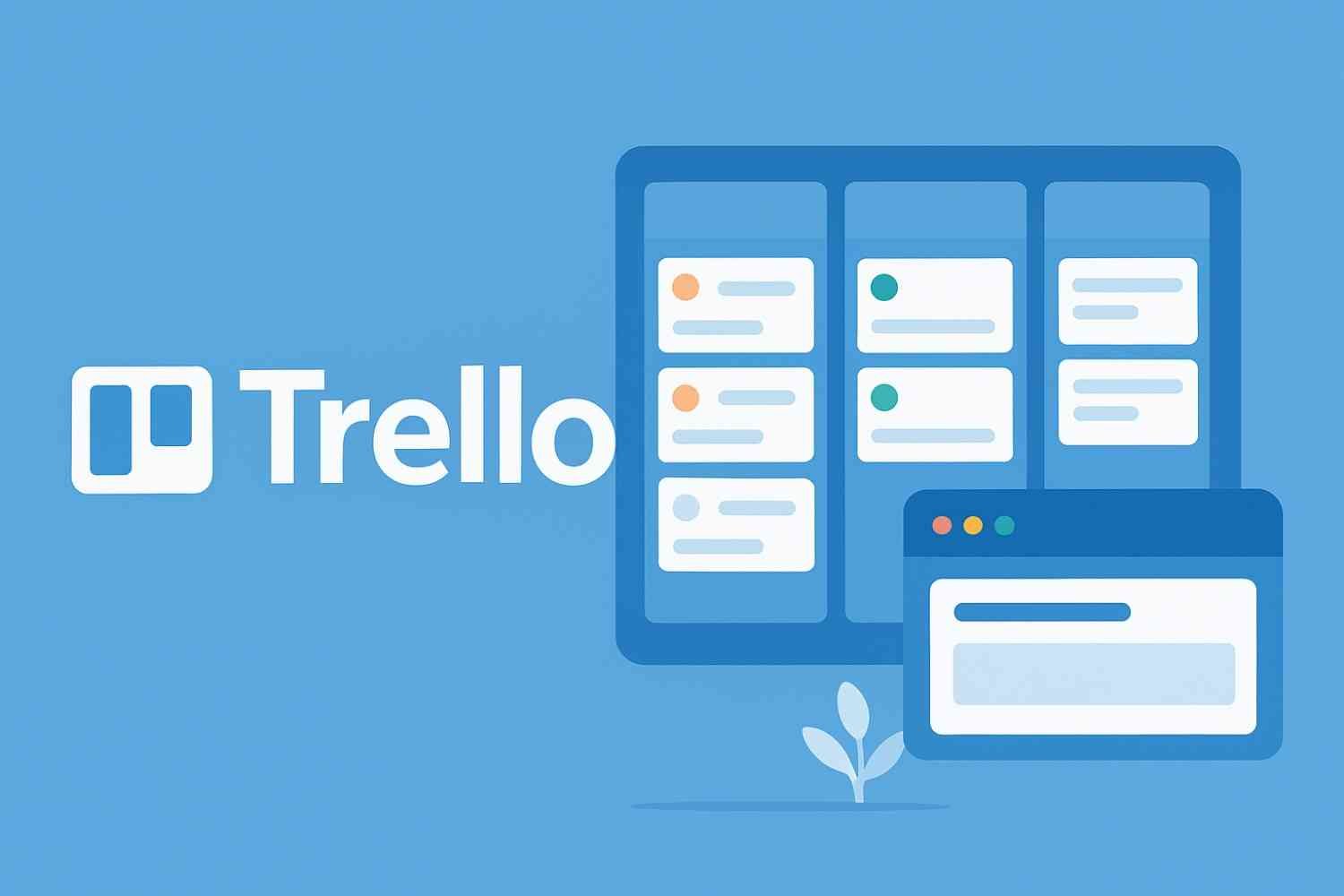
Trello is a web-based project management platform built around boards, lists, and cards. This structure allows users to visually represent tasks and move them across different stages of completion. Trello is commonly used for personal task tracking, team projects, content planning, agile workflows, and remote collaboration.
The tool is available on web, desktop, and mobile platforms, making it easy to manage work anytime and anywhere.
User Interface and Ease of Use
Trello’s biggest advantage is its simplicity. The interface is clean, visual, and intuitive, allowing new users to start organizing tasks within minutes. The drag-and-drop functionality makes it easy to move cards between lists, reflecting workflow progress in real time.
There is virtually no learning curve for basic usage, which makes Trello especially appealing to non-technical users and small teams.
Core Features
Boards, Lists, and Cards
Trello’s structure is based on boards (projects), lists (stages), and cards (tasks). Each card can include descriptions, checklists, due dates, attachments, labels, and comments, allowing tasks to be as simple or detailed as needed.
Task Collaboration
Users can assign members to cards, mention teammates, leave comments, and track activity updates. This makes Trello effective for collaborative projects and team coordination.
Visual Workflow Management
Trello offers a clear visual overview of work status. Whether using it for to-do lists, content calendars, or agile sprints, the visual layout helps teams understand progress at a glance.
Power-Ups and Integrations
Trello supports integrations, known as Power-Ups, with tools such as Google Drive, Slack, Jira, and automation features. These enhance functionality without overcomplicating the core experience.
Automation With Butler
Built-in automation allows users to create rules, triggers, and schedules that reduce repetitive tasks, improving efficiency without advanced technical setup.
Performance and Reliability
Trello performs consistently across devices and platforms. Boards load quickly, updates sync smoothly, and the app remains responsive even with regular daily use. For most individuals and small to mid-sized teams, performance is reliable.
However, very large projects with complex dependencies may require more advanced tools.
Pricing and Value for Money
Trello offers a functional free plan suitable for personal use and small teams. Paid plans unlock advanced features such as additional Power-Ups, larger file attachments, broader automation limits, and enhanced admin control.
Trello’s pricing is competitive, and its free tier provides enough functionality for many users, making it one of the most accessible project management tools available.
Pros and Cons of Trello
Pros
-
Extremely easy to use
-
Clean, visual interface
-
Minimal learning curve
-
Useful free plan
-
Great for task tracking and simple workflows
-
Strong collaboration features
Cons
-
Limited advanced project management features
-
Not ideal for complex workflows or large enterprises
-
Dependency tracking is minimal
-
Can become cluttered with too many cards
Who Should Use Trello?
Trello is best suited for individuals, freelancers, startups, small teams, content creators, and educators who need a simple way to organize tasks and collaborate visually. It is also an excellent starting point for teams new to project management tools.
Organizations requiring detailed reporting, resource planning, or advanced workflow automation may need more robust platforms.
Summary
Trello excels as a lightweight, visual project management tool that prioritizes simplicity and usability. While it may not replace advanced enterprise solutions, it delivers exceptional value for users who want clarity, collaboration, and ease of use.
For anyone seeking an intuitive tool to manage tasks and projects without complexity, Trello remains a reliable and effective choice.



Reviews
There are no reviews yet.