How to Automate Customer Support with AI Chatbots
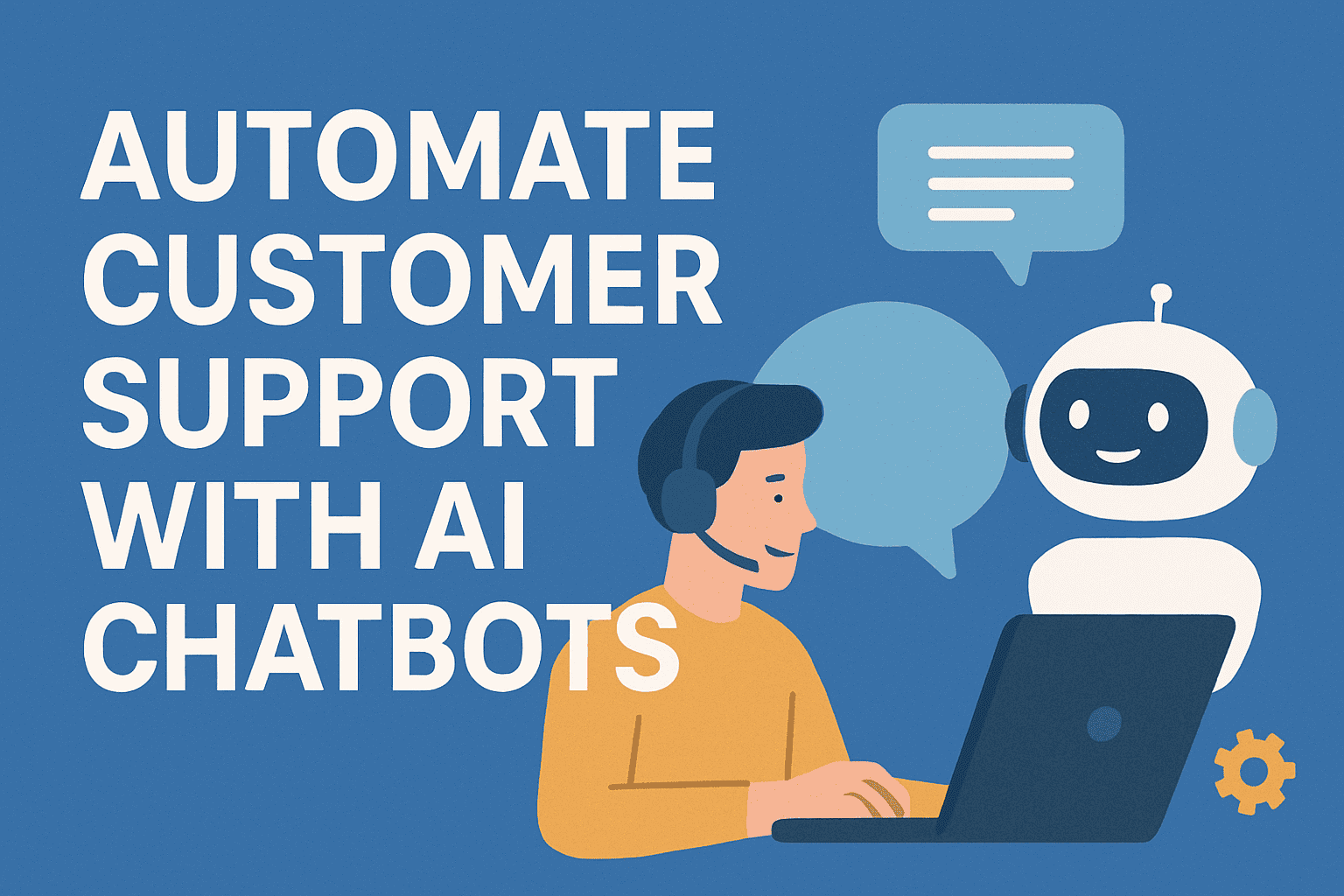
In today’s fast-paced digital world, customers expect quick and accurate responses around the clock. Businesses that fail to meet these expectations risk losing clients to competitors who can. That’s where AI chatbots come in — offering an efficient, scalable, and cost-effective way to automate customer support while improving customer satisfaction.
Let’s explore how you can automate customer support with AI chatbots, step by step.
1. Understanding AI Chatbots
AI chatbots are intelligent virtual assistants that use artificial intelligence (AI), machine learning (ML), and natural language processing (NLP) to understand and respond to customer queries. Unlike traditional scripted bots, AI chatbots can interpret intent, handle complex questions, and even learn from past interactions to improve over time.
2. Benefits of Automating Customer Support with AI Chatbots
Before you implement automation, it’s important to understand why it matters. Here are some major benefits:
-
24/7 Availability: Chatbots provide round-the-clock support, even during holidays or after business hours.
-
Instant Responses: Reduce waiting time by delivering instant replies to common queries.
-
Cost Efficiency: Minimize the need for large support teams and repetitive manual tasks.
-
Consistency: Ensure every customer receives accurate and standardized information.
-
Scalability: Handle thousands of conversations simultaneously without extra staffing.
-
Data Insights: Collect valuable customer feedback and behavioral data for better decision-making.
3. Steps to Automate Customer Support Using AI Chatbots
Step 1: Identify Repetitive Support Tasks
Start by analyzing your customer queries. Use support tickets or chat logs to identify common questions such as:
-
Order tracking
-
Account management
-
Refund or return policies
-
Product information
These repetitive tasks are ideal for chatbot automation.
Step 2: Choose the Right AI Chatbot Platform
Several platforms make chatbot creation easy without deep technical expertise. Some popular options include:
-
ChatGPT-powered bots (OpenAI API)
-
Dialogflow by Google
-
IBM Watson Assistant
-
Microsoft Bot Framework
-
Zendesk Answer Bot
Select a platform that integrates seamlessly with your existing CRM or website.
Step 3: Design Conversational Flows
Map out the user journey — from greeting messages to issue resolution. Build flows that anticipate customer needs while offering smooth transitions between topics. For complex queries, ensure the chatbot can escalate to a human agent when needed.
Step 4: Train Your Chatbot with Real Data
Feed your chatbot with FAQs, product manuals, and historical chat data so it can learn to recognize customer intent. The more diverse the training data, the smarter the chatbot becomes.
Step 5: Integrate with Your Systems
Connect your chatbot with essential business tools such as:
-
CRM (e.g., Salesforce, HubSpot)
-
Helpdesk systems (e.g., Zendesk, Freshdesk)
-
E-commerce platforms (e.g., Shopify, WooCommerce)
Integration allows your chatbot to access order history, customer details, and more — providing personalized and context-aware responses.
Step 6: Monitor and Improve
After deployment, continuously monitor your chatbot’s performance using metrics like:
-
Response accuracy
-
Resolution rate
-
Customer satisfaction (CSAT)
-
Conversation completion rate
Use insights to fine-tune the chatbot’s replies and improve overall efficiency.
4. Best Practices for AI Customer Support Automation
-
Keep the tone human: Use friendly, natural language rather than robotic text.
-
Provide easy exit options: Always allow users to connect with human support when necessary.
-
Update regularly: Refresh responses and data as products or policies evolve.
-
Personalize experiences: Use customer data to tailor messages and recommendations.
-
Ensure data privacy: Comply with GDPR and other data protection regulations.
5. Real-World Examples of AI Chatbots in Action
-
Domino’s Pizza: Uses chatbots to take orders, track deliveries, and handle customer feedback.
-
HDFC Bank’s EVA: Responds to millions of banking queries instantly.
-
Sephora: Offers personalized beauty tips and product recommendations through its chatbot.
These examples prove that automation doesn’t just reduce workload — it also enhances customer satisfaction and loyalty.
6. The Future of AI-Powered Customer Support
The next generation of chatbots will combine voice recognition, sentiment analysis, and predictive intelligence to deliver near-human experiences. Soon, businesses will use AI to anticipate customer issues before they even arise.
Automating customer support with AI chatbots is not just a trend — it’s a necessity for modern businesses. By implementing the right tools, designing thoughtful workflows, and constantly optimizing the system, companies can save costs, improve efficiency, and deliver exceptional customer experiences.
In short, AI chatbots turn your support team into a 24/7 powerhouse — one that never sleeps, never forgets, and always serves.